
Additional features
Extensions add optional features to Cephable — camera controls, gamepad support, companion apps, preview features, and integrations with other software.
Some parts of Cephable stay off until you turn them on in Extensions. Camera controls use your camera and more of your computer's processing power, and gamepad support installs a driver, so neither runs for someone who only wants voice commands.
Turning one on
Open Extensions, find the feature you want, and turn it on from its card. Extensions is organized into Discover, Skills, Connectors, Cephable features, and Installed, so you can see what is available and what you already have.
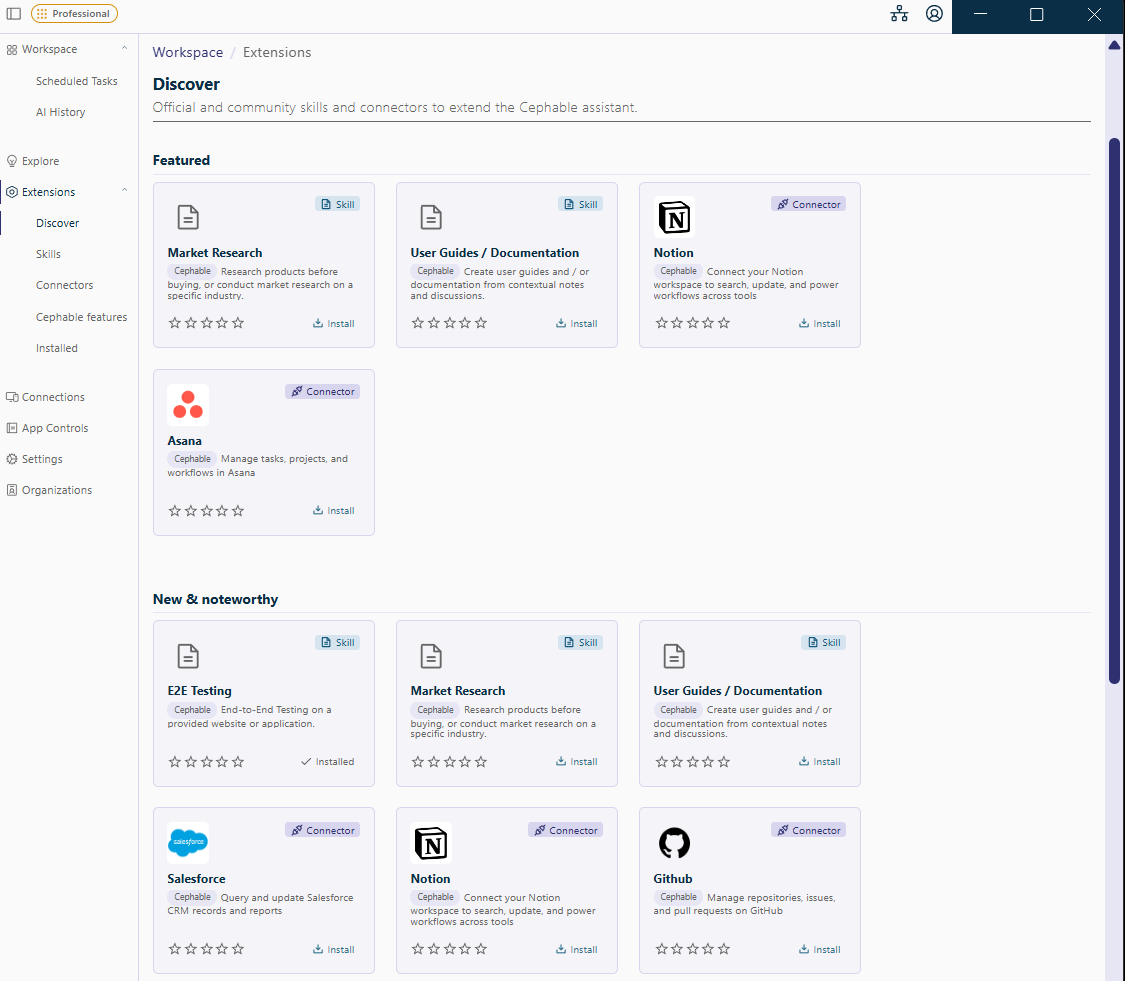
Gamepad support installs a third-party driver, and camera controls ask for camera permission. Each extension's page tells you what it needs before you enable it.
What you will find
| Category | What is in it |
|---|---|
| Input & Control | Camera controls and gamepad support |
| Companion Apps & Tools | The Cephable mobile app and the Custom Controller Creator |
| Build & Extend | The Cephable API and SDKs, and the Automate HTTP Server, for developers |
| Previews | Features that are still on the way, such as Record a Workflow |
Preview features
Features under Previews carry a Preview badge. They are early versions you can try before they are released, so they may change, and your feedback helps shape them. Turn one on from its card, the same way as any other extension.
Integrations with other software
Connectors link the Cephable assistant to other apps and services you are authorized to use — HubSpot, for example — so automations can work with your data there. Each connector shows who maintains it: Cephable, your organization, you, or a third party.
Connectors and skills are part of Automate, so they are documented there: see Connectors and Skills.
In this section
Related
Gamepad support and gaming
Emulate an Xbox controller so games recognize your Cephable inputs, and map controller buttons to voice, head, and face.
Camera controls
Turn on camera controls to use head movements and facial expressions as inputs, and to move the pointer with your head.
Camera and tracking problems
Fix a camera that will not start, a face Cephable cannot see, and head or face controls that trigger when they should not.