
Cephable on mobile
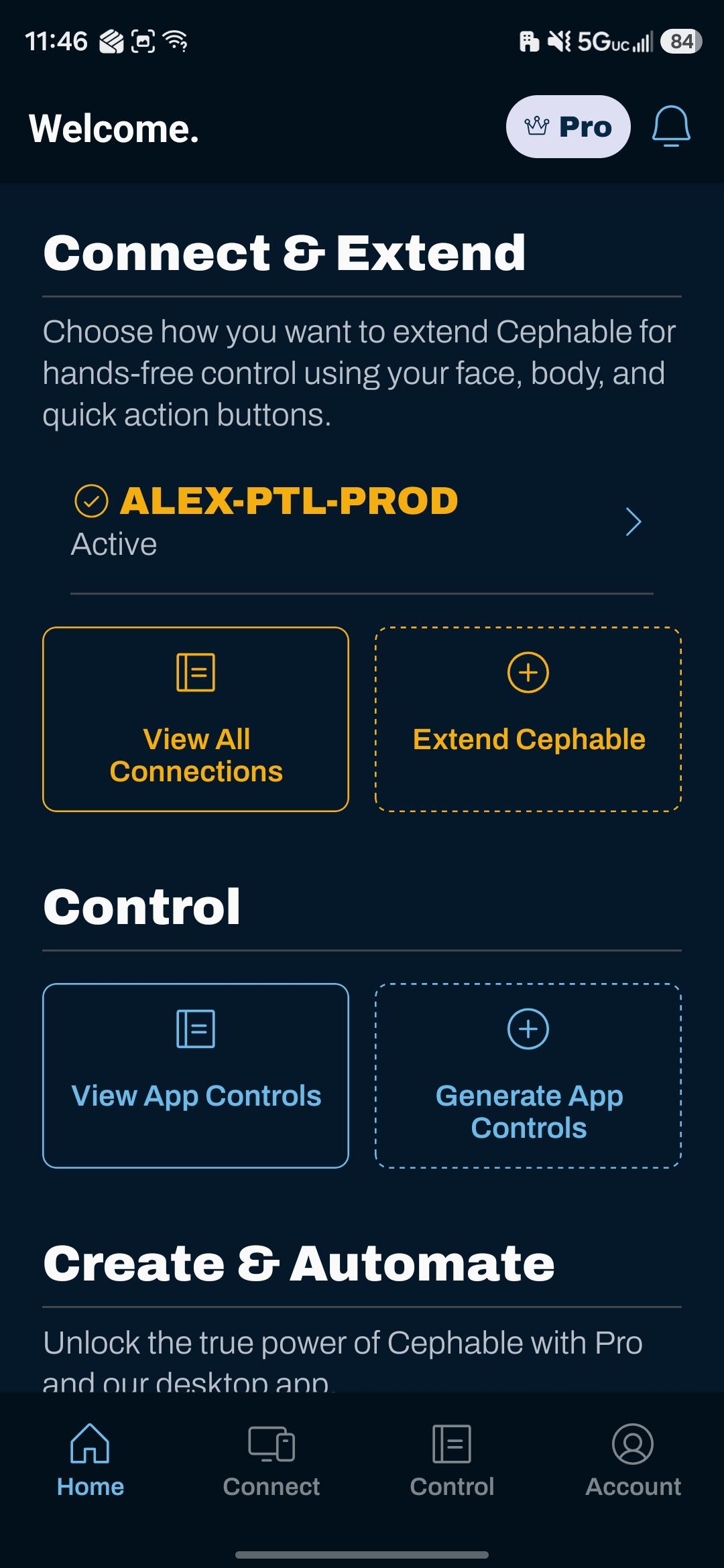
The iOS and Android apps act as a companion controller for a device running Cephable.
The Cephable mobile apps are companion controllers. You sign in on your phone, connect to a device that is running Cephable, and drive that device from your phone with voice commands and quick action buttons on a second screen.
The mobile apps control a connected device. They are not a way to control the phone itself — mobile operating systems restrict what one app may do to another, so device-wide control on a phone belongs to the platform's own accessibility features.
What you get
Your pinned actions, large and tappable, running on the connected device.
Speak into your phone to trigger commands on the connected device.
See and switch which set of controls the connected device is using.
Installing
- iOS — App Store
- Android — Google Play
Sign in with the same Cephable account you use elsewhere; your license applies automatically.
Connecting to a device
- 1
Sign in on both
The phone and the computer need to be signed in to the same Cephable account.
- 2
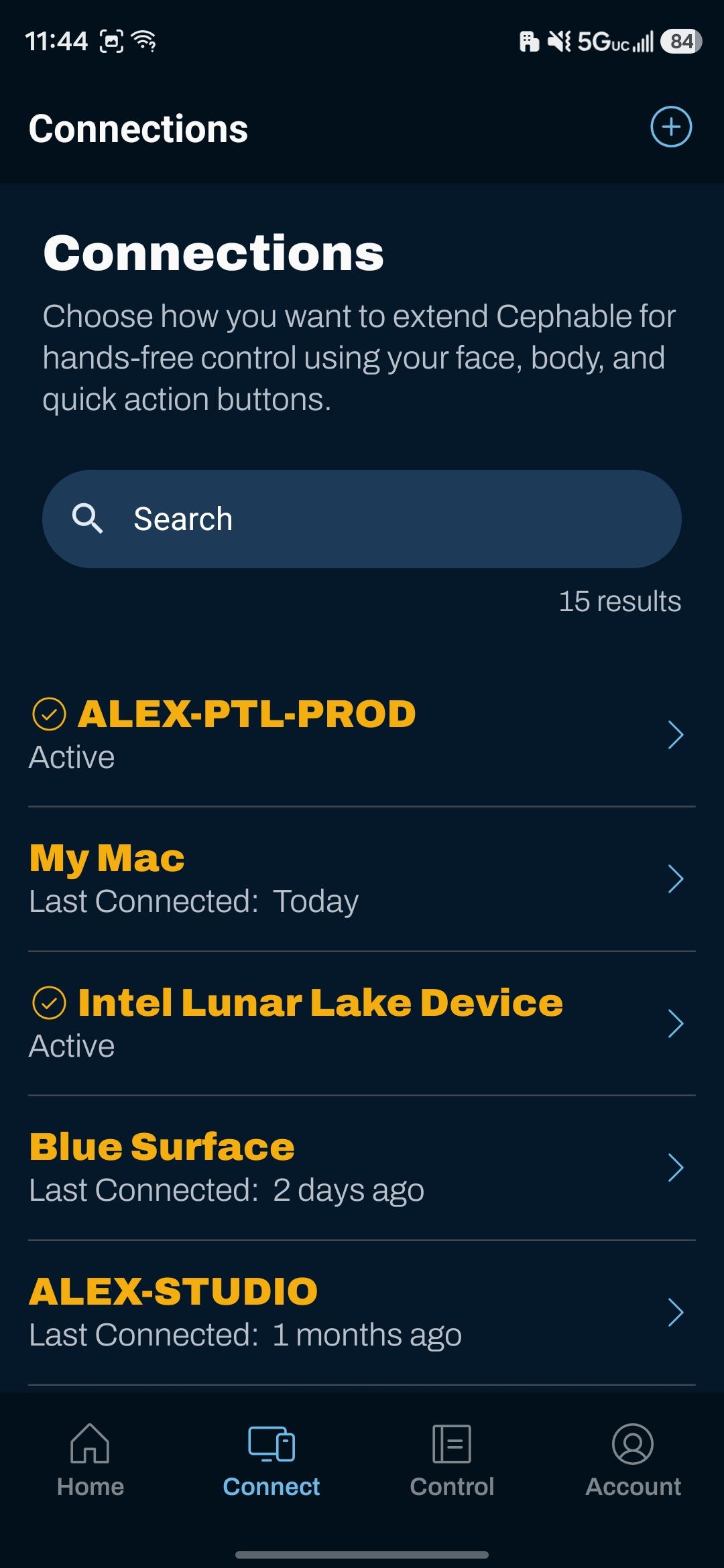
Open Devices
The Devices tab lists what you can connect to.
- 3
Add or choose your device
Add a Windows or macOS device, or a supported connected controller. Once paired, it appears in the list.
Using it as a control surface
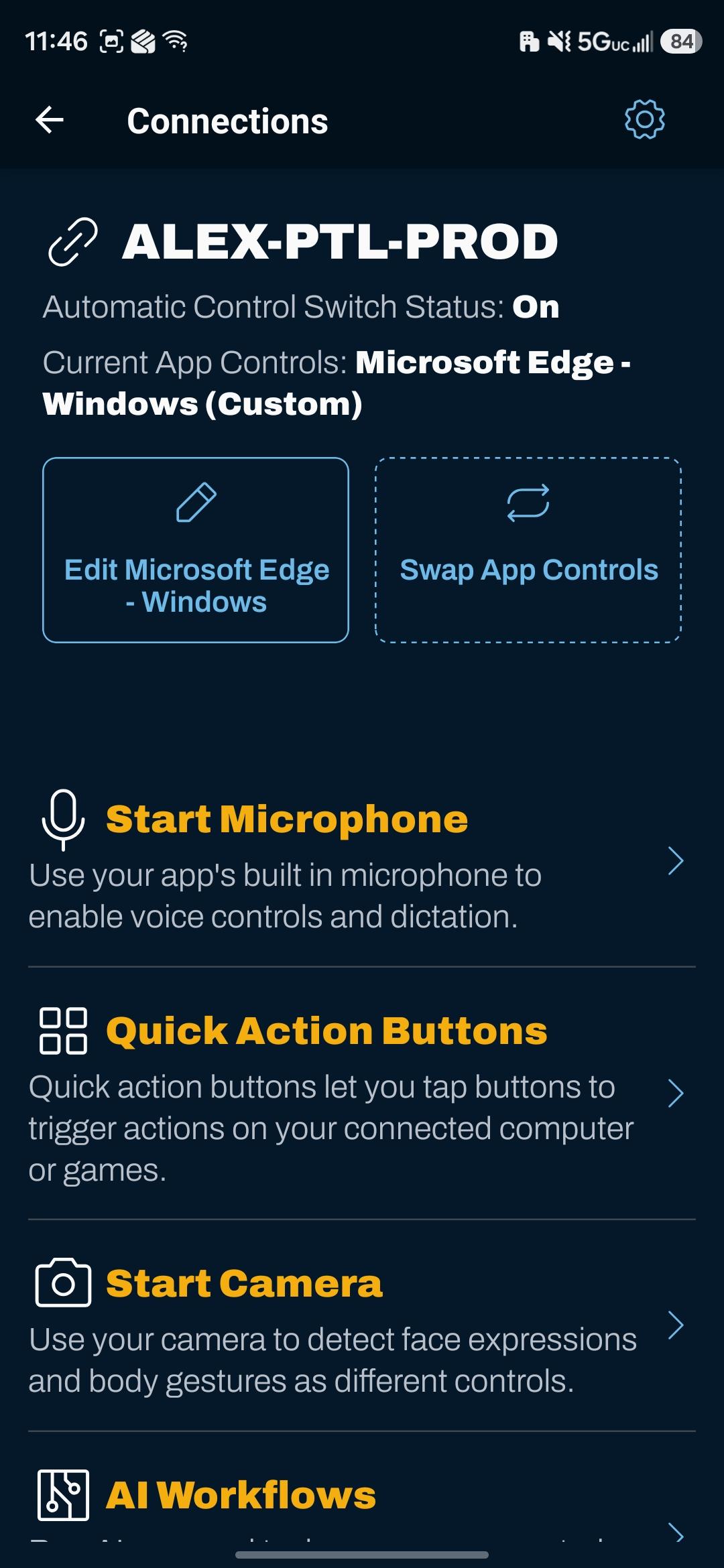
Once connected, the device screen gives you the controls for that device: quick actions, microphone, and the App Controls selector.
A spare tablet on a stand, showing quick actions full screen, is a genuinely good adaptive control surface — and considerably cheaper than dedicated hardware.
Settings
Each connected device has its own settings on the phone — microphone, localization, and global controls — so you can adjust the device you are controlling without walking over to it.
Next
Related
Setting up mobile controls
Grant permissions, arrange quick actions, and use the phone's camera and microphone for a connected device.
Cephable alongside platform accessibility
How the mobile app fits with the accessibility features already built into iOS and Android.
Voice commands
Say a phrase and Cephable acts. How commands are matched, and the settings that make recognition reliable.