
Plans and licenses
What the free plan includes, what a paid plan adds, and how to tell which one you are on.
Cephable is licensed per person. A license follows you across devices, so the same account unlocks the same capabilities on your desktop and your phone.
Checking what you have
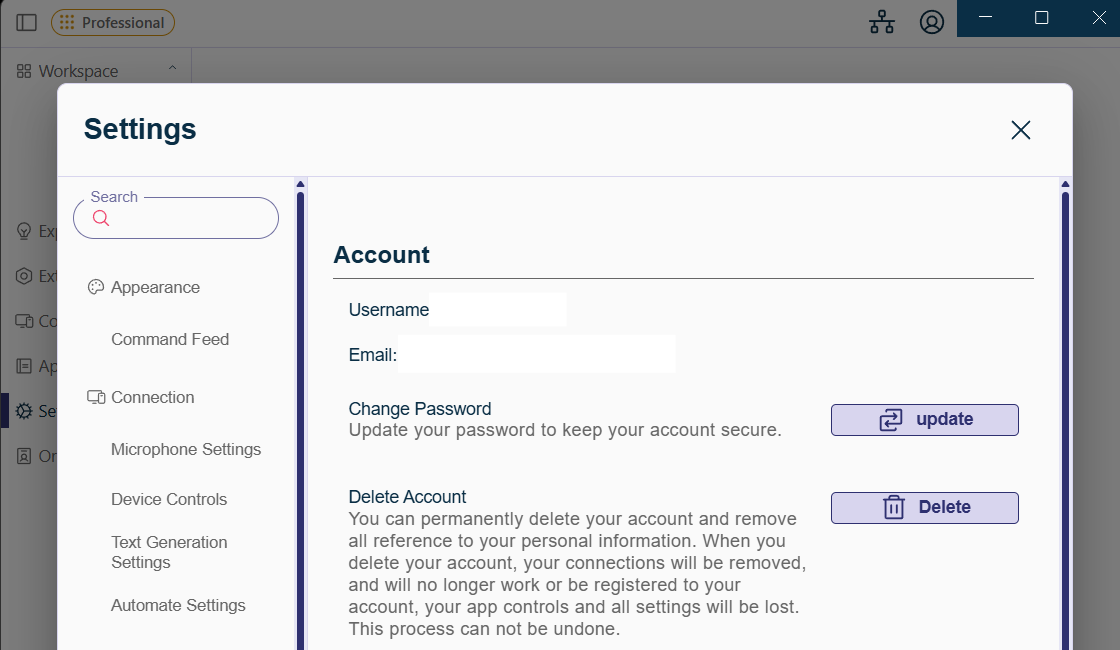
In the desktop app, open Settings → Account. If you are signed in to these docs, your plan also appears in the account menu in the header, and every page shows whether your plan covers it.
Your plan comes from their organization license and may show an expiry matching their renewal. Changing it is done by their IT team, not from inside the app.
The plans
Start with voice commands on Basic. Upgrade to Plus for AI-powered Create tools, or Pro for Automate. On Pro, make Automate your starting point, with voice commands and dictation alongside it for daily work.
| Basic | Plus | Pro | |
|---|---|---|---|
| Price | Free | Paid, monthly or annual | Paid, monthly or annual |
| Devices | 1 install | Up to 3 | See your plan |
| Control — voice commands, quick actions, App Controls, macros | Yes | Yes | Yes |
| Create — basic dictation | Yes | Yes | Yes |
| Intelligent voice controls (natural language) | — | Yes | Yes |
| AI-enhanced dictation | — | Yes | Yes |
| Create — generation, rewrite, translation | — | Yes | Yes |
| Automate — AI workflow automation | — | — | Yes |
| Admin portal, member management | — | — | Yes |
| Organizational App Controls, resource management | — | — | Yes |
Current prices are on cephable.com/pricing.
Automate needs a computer with at least 8 GB of memory. Create and the rest of Cephable run on less.
Team and Enterprise
Organizations with more than 5 members are eligible for volume pricing and onboarding support. Team and Enterprise agreements add SCIM provisioning and SSO on top of Pro — see the IT admin section.
Education and developer licensing exist as separate arrangements; talk to Cephable about which fits. SDK documentation for building Cephable into your own software lives on developers.cephable.com.
Changing plan
Personal plans are managed in the Cephable Portal. Changes reach your devices within a few minutes; sign out and back in if you want them immediately.
Organization licensing is handled by whoever administers your Cephable organization — see Managing licenses and members.
When a license expires
Accounts fall back to the free plan rather than being locked out, so nobody loses access to their computer because a renewal was slow.
Related
Privacy and security
What Cephable processes on your device, what leaves it, the permissions it asks for, and how to limit what the assistant can reach.
What's new
Recent additions to the Cephable desktop and mobile apps, newest first.
Sign-in problems
Fix an expired magic link, a work email Cephable does not recognize, or docs that still show locked sections after you sign in.